


4K Native 1080P Android 11 Projector 390ANSI HY320 Dual Wifi6 BT5.0 Cinema Outdoor Portable Projetor Upgrated HY300
- Regular price
-
$108.57 - Regular price
-
$0.00 - Sale price
-
$108.57
Product Description
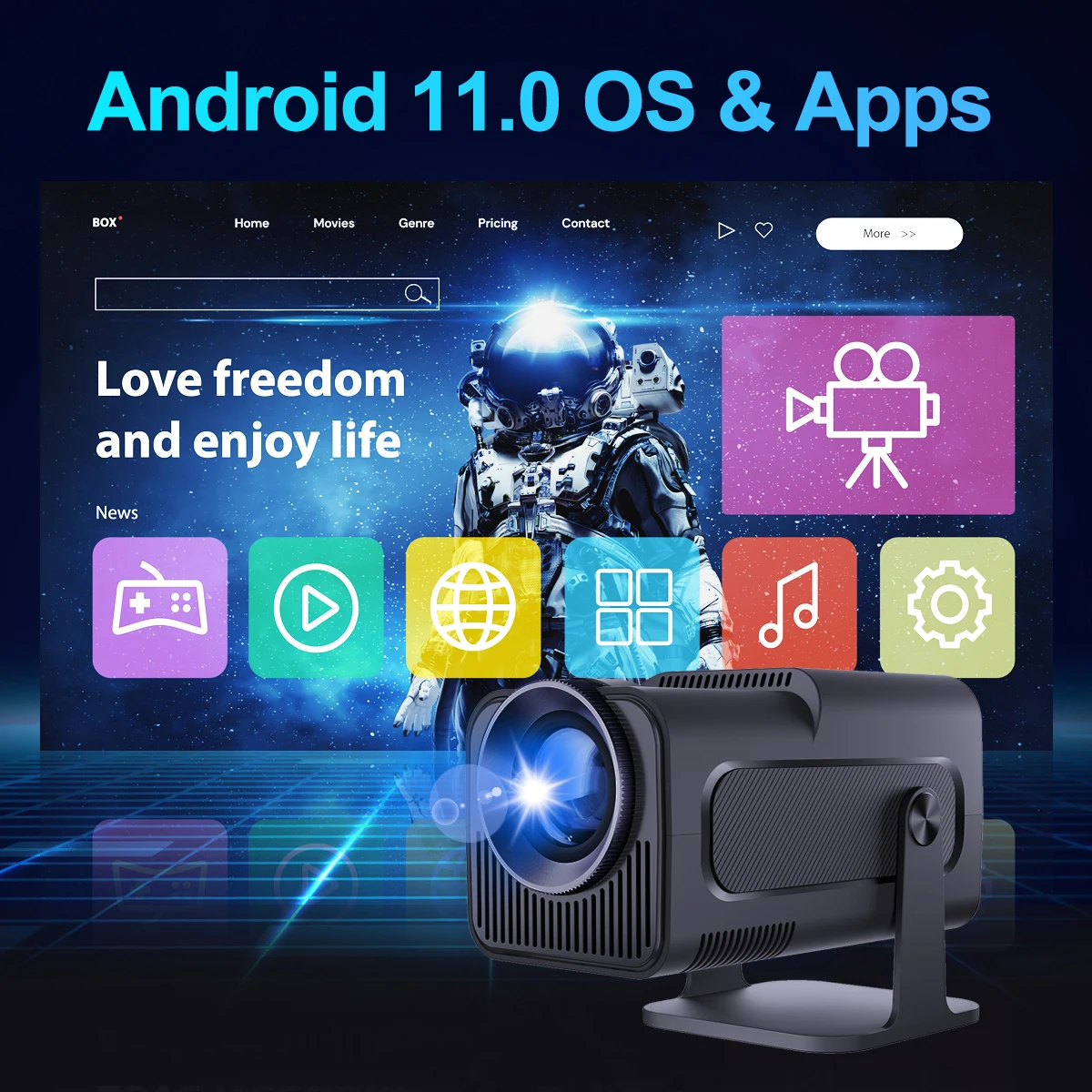
OS: Android 11.0
CPU: Allwinner H713 Quad-core ARM Cortex-A53
GPU:Mali-G31supports OpenGL ES3.2,and OpenCL2.0
Product Features
👍 Native 1080P Full HD Resolution
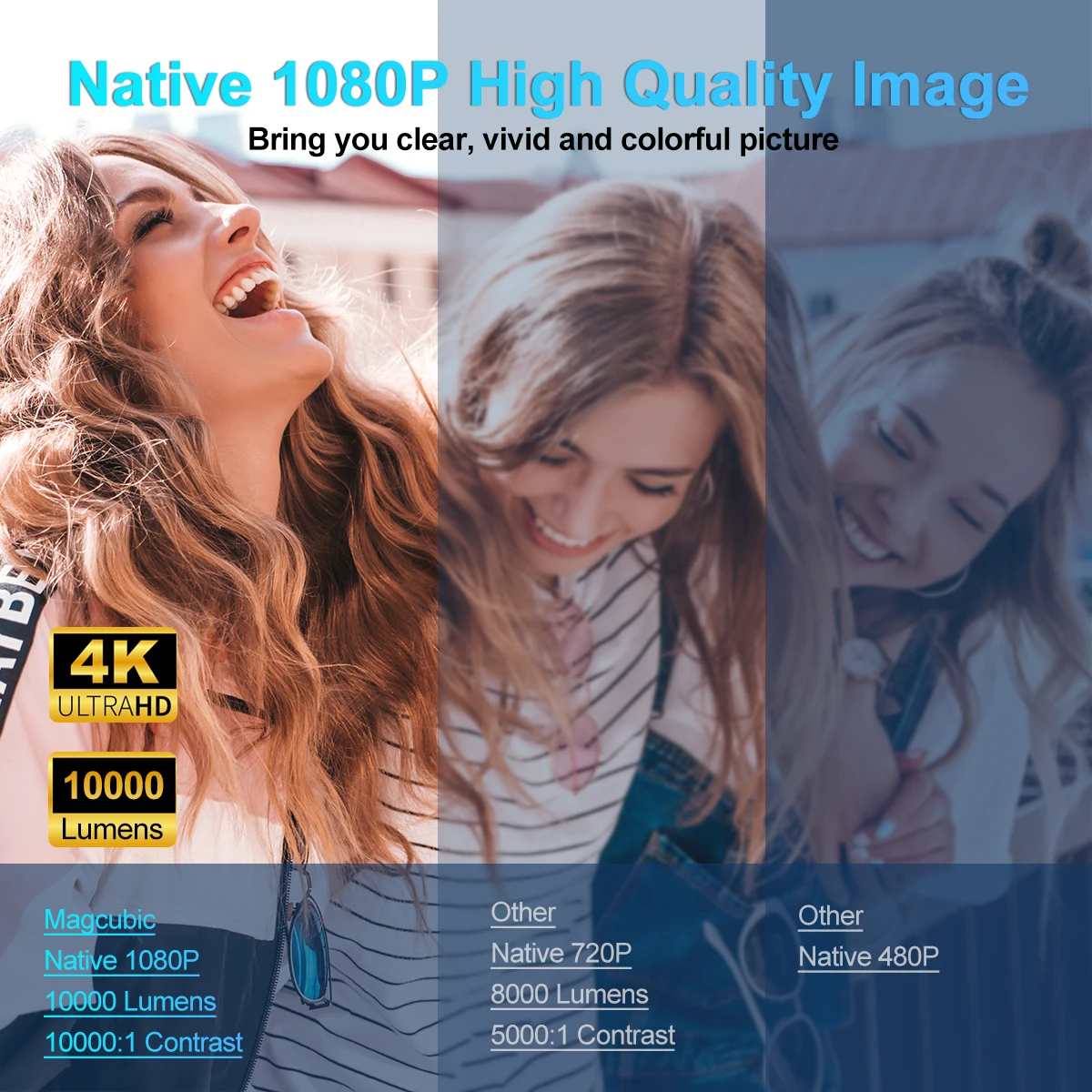
If you have a high requirement for clarity of projector, this Full HD projector must be your favorite. With a resolution of 1920*1080, a brightness of 10000Lumens, and a dynamic contrast ratio of up to 10000:1, the projector shows a more clearer, brighter, and richer picture
👍 BT 5.0 Function and HiFi Stereo Speakers
The projector's built-in dual HiFi stereo surround speakers restores the original audio fidelity, allowing you to experience an excellent listening experience without connecting external speakers. The BT projector can connect headphones, speakers and other audio equipment through it, and you can experience the cinema-level surround effect at home.
👍 150'' Giant Screen
The portable projector provides a 30-150-inch projection display at a projection distance of 1-4 m, with a 16:9 aspect ratio, optimal viewing in both home theaters and outdoor movies!
👍 No latency Ultra-fast WiFi 6 2.4G/5G Dual Band WiFi
The projector uses industry-leading WiFi 6 technology, the transmission is faster and more stable, enjoy a smooth viewing and gaming experience! You can wireless screen mirroring through Miracast and Airplay
❗ Pls note our projector can support 4K video decode, but output video highest resolution is 1920*1080P
180° Rotatable Projector with WIFI6 BT5.0
4K & 1080P & WIFi 6 & 180° Rotatable & BT 5.0 & Auto Keystone Correction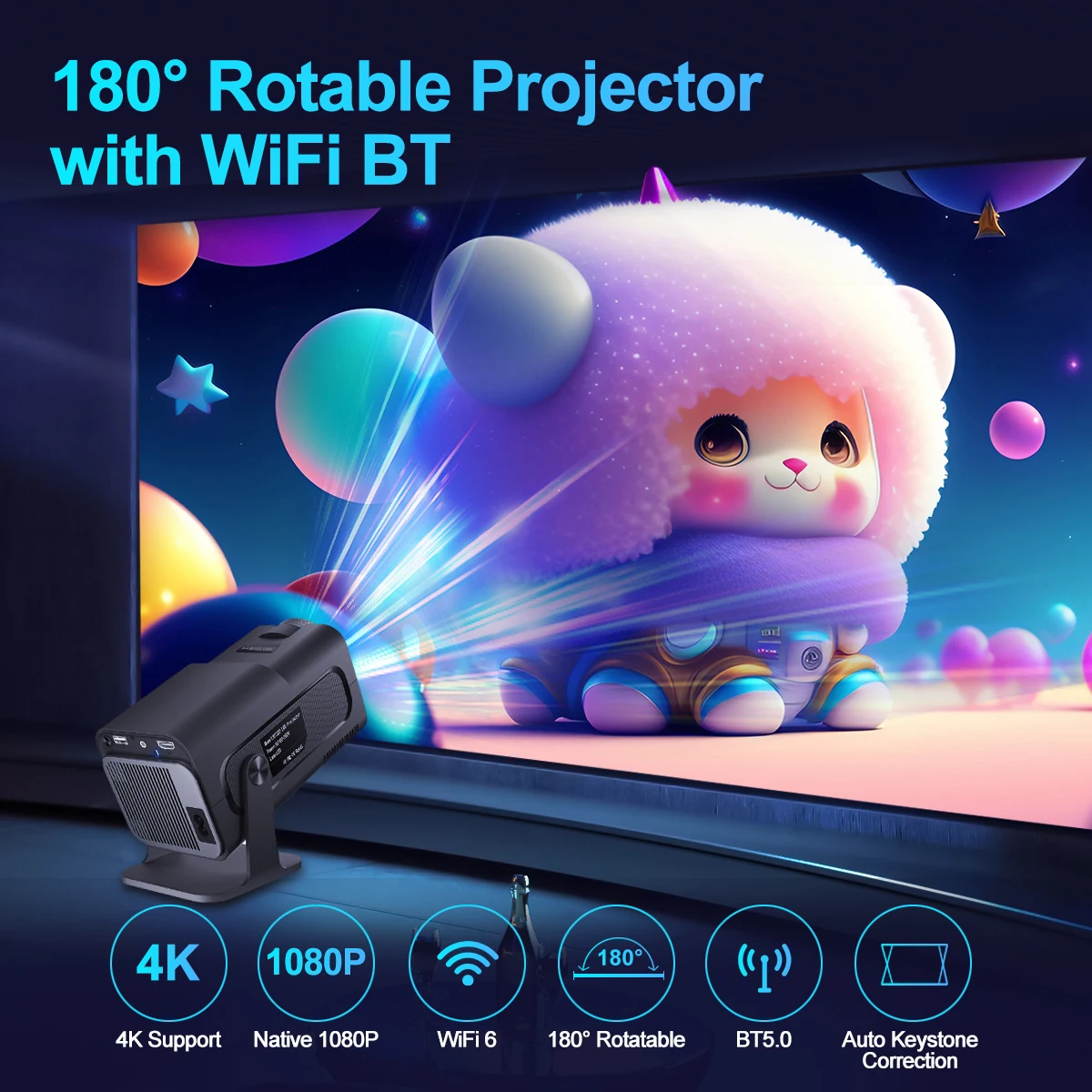
390ANSI & 4K Support & Native 1080P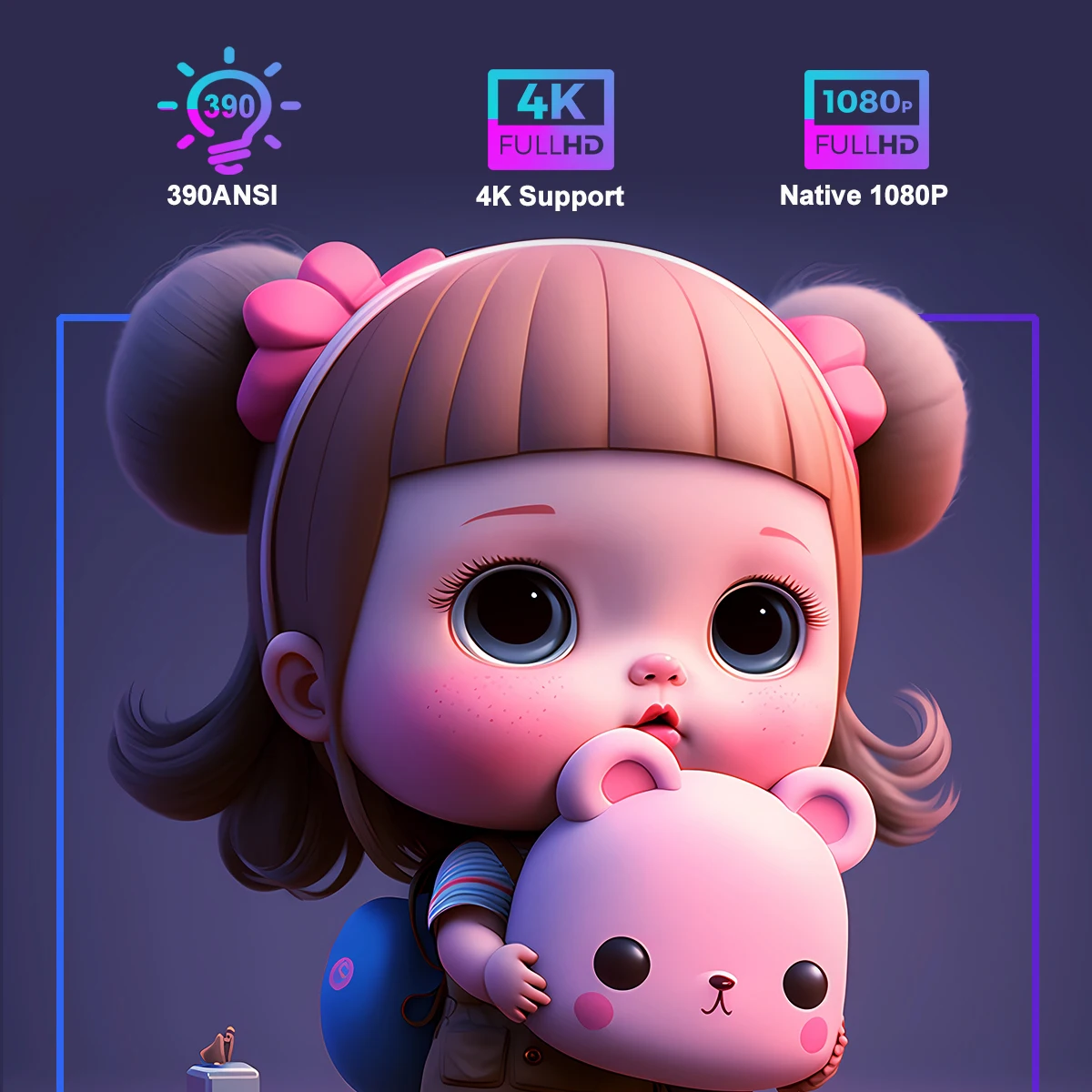
High Picture Quality,Won't Miss Any Details
Support 4K ,390ANSI,10000Lumens,10000:1 contrast ratio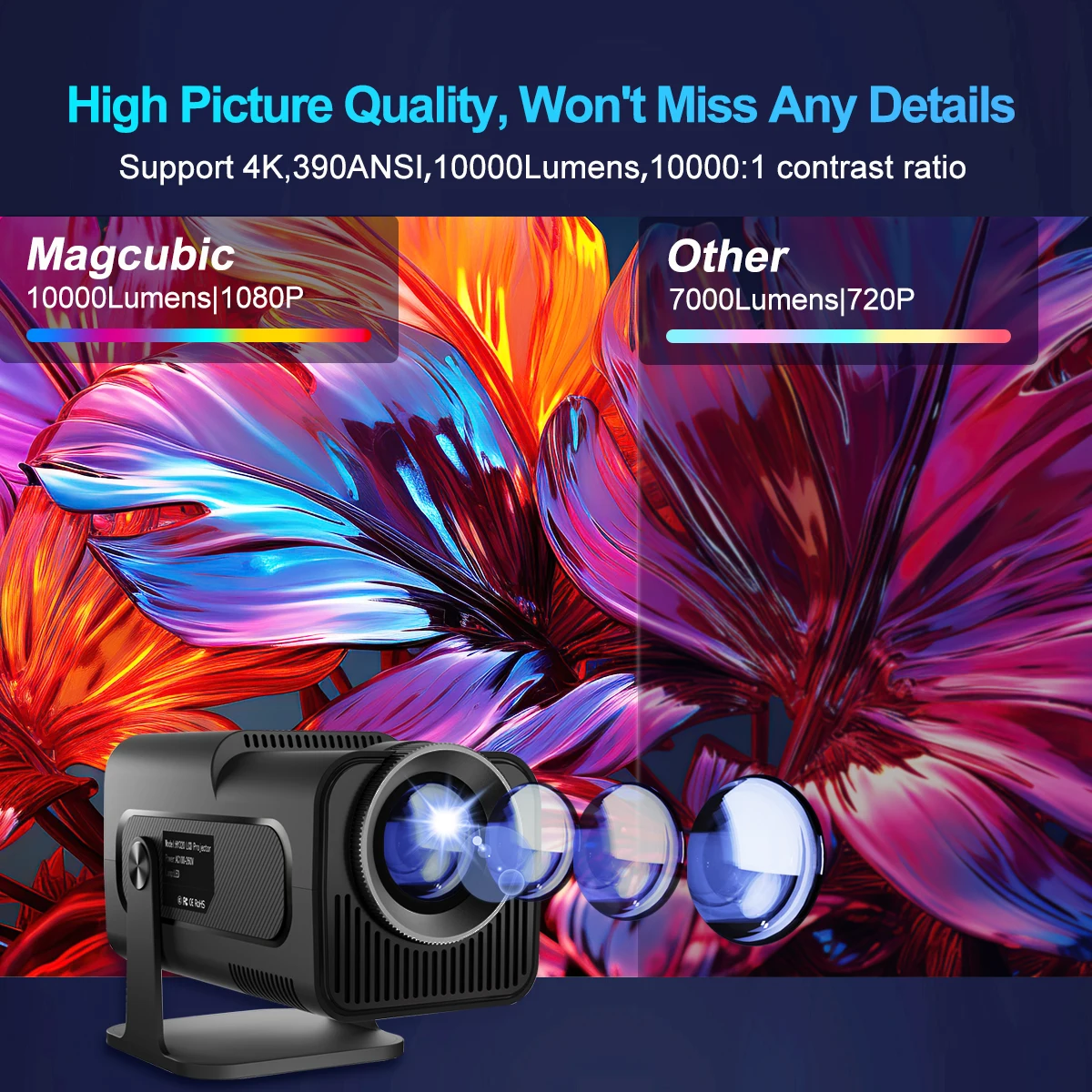
Native 1080P High Quality Image
Bring you clear, vivid and colorful picture
Wifi6 Connection
Improve the stability and speed of your wireless connection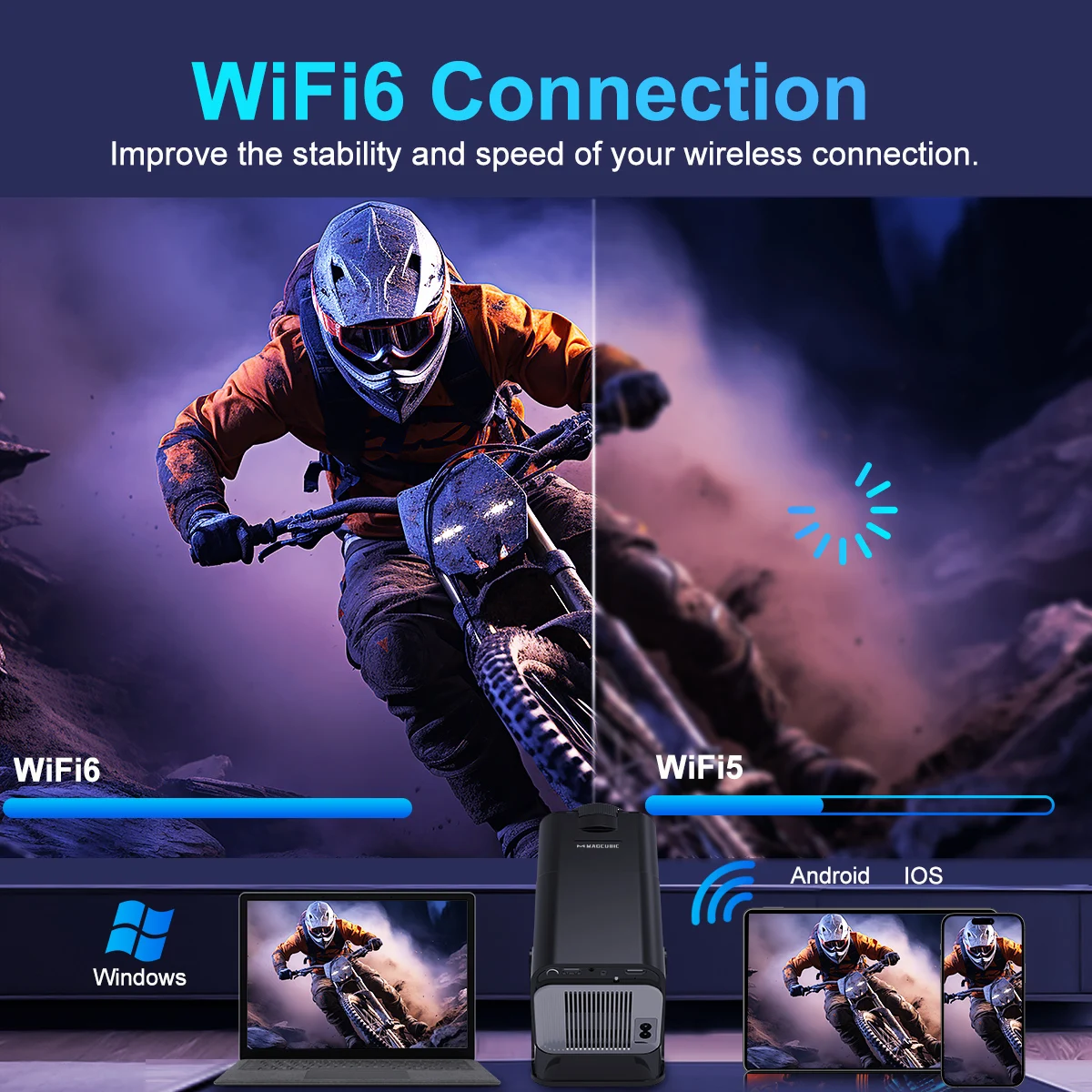
BT 5.0 & Speaker built-in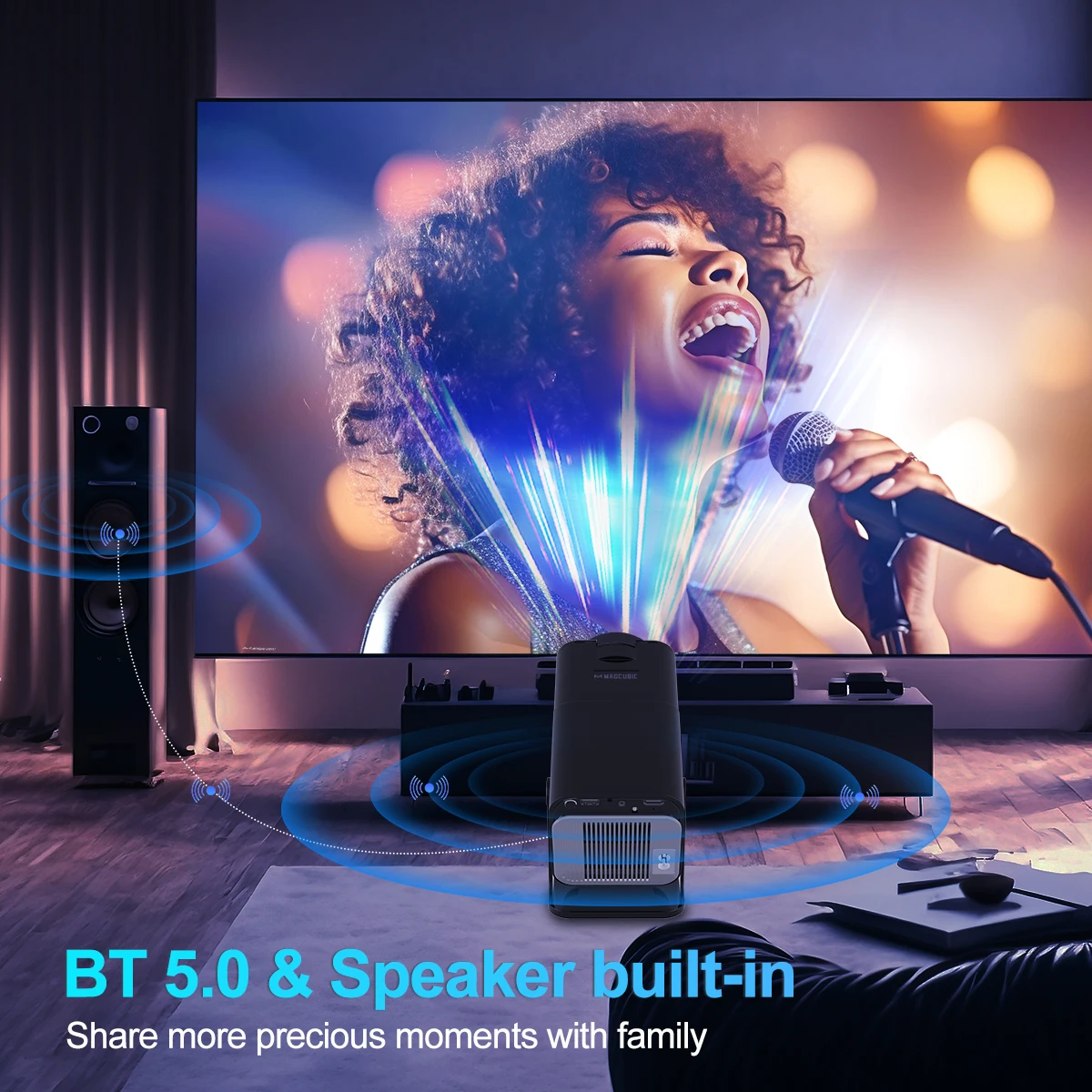
180°flexible Projection Angle. Projecting Where You Want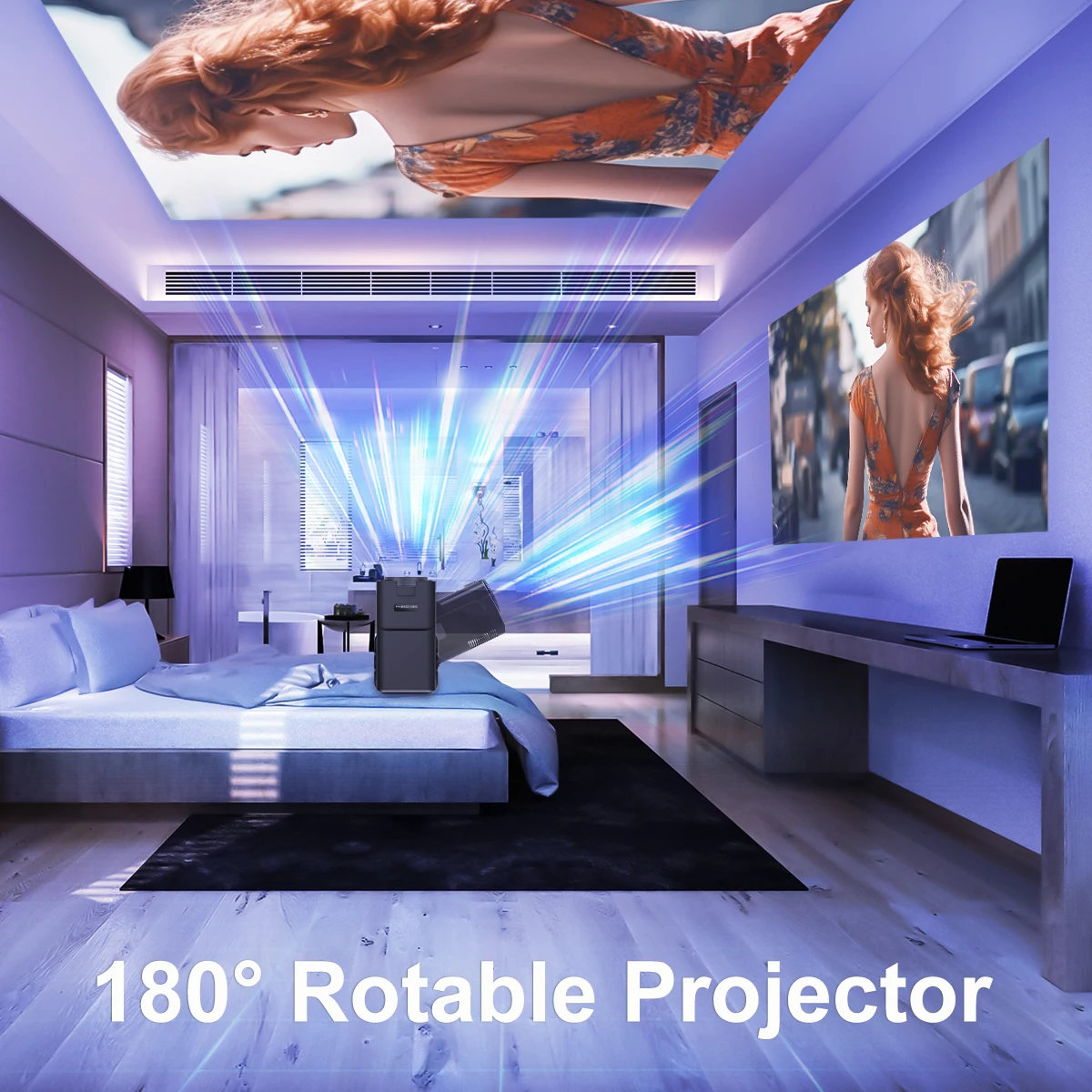
Auto Keystone Correction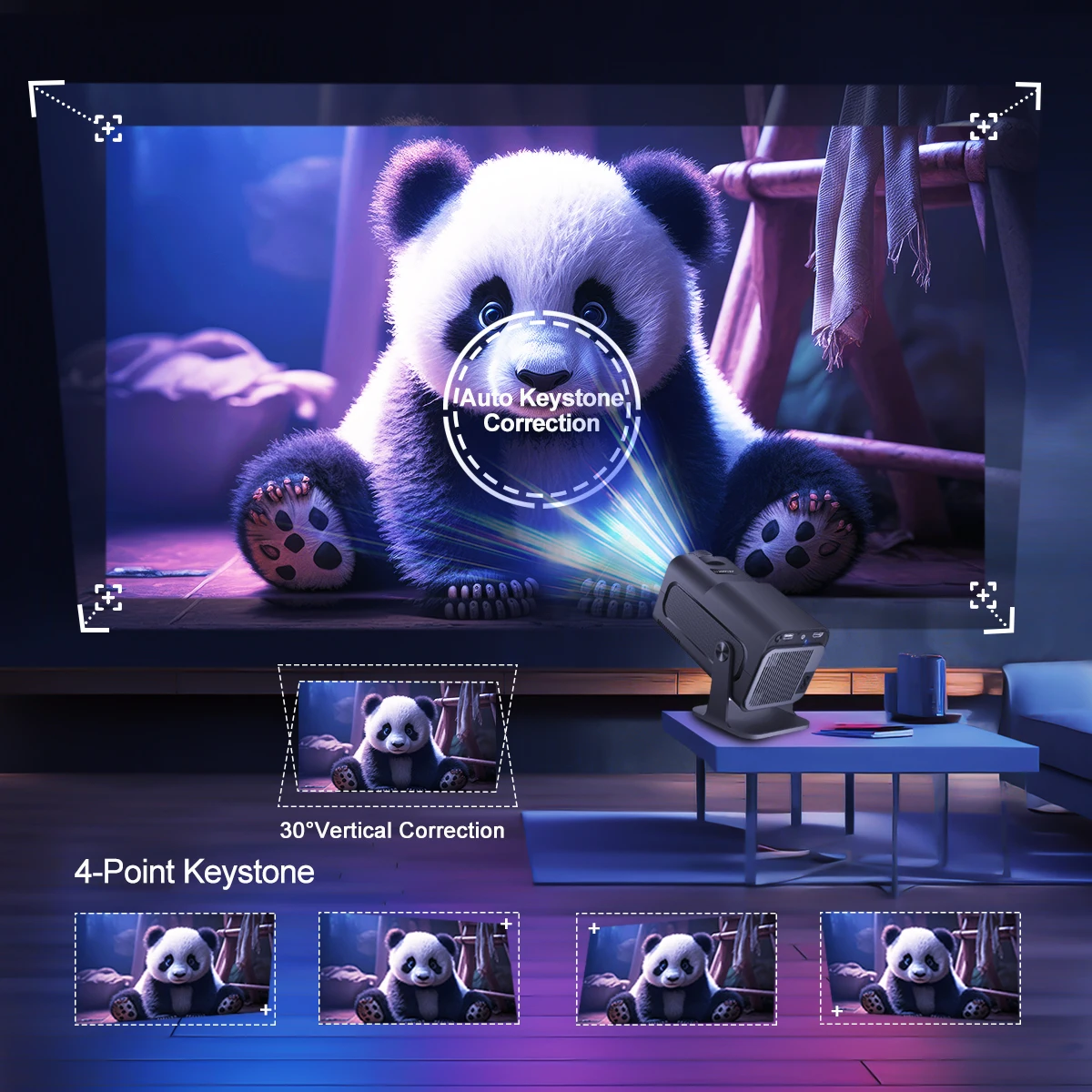
Transform into 30-150-Inch Screen
1.1:1 Projection throw ratio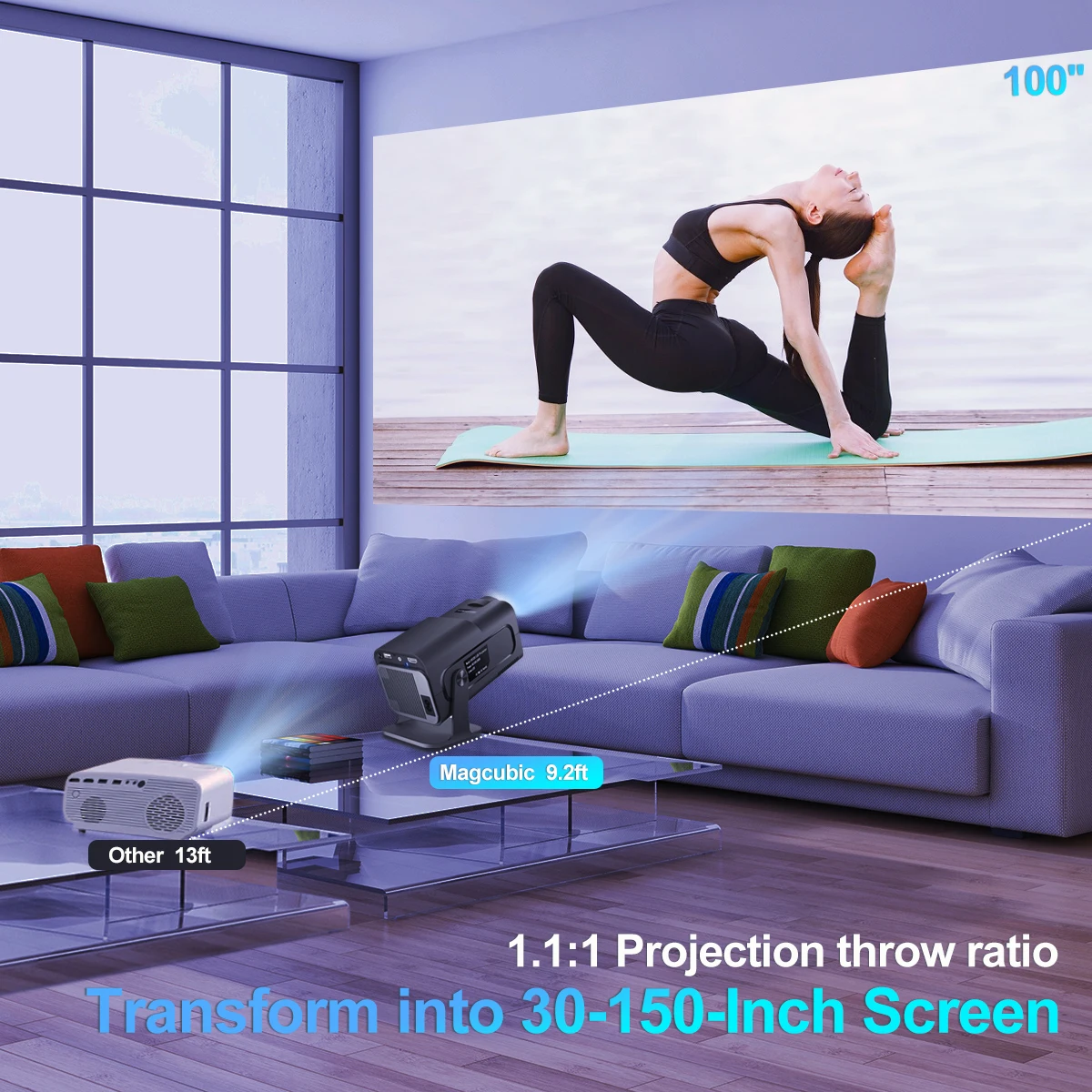
Zoom out from 100% to 85%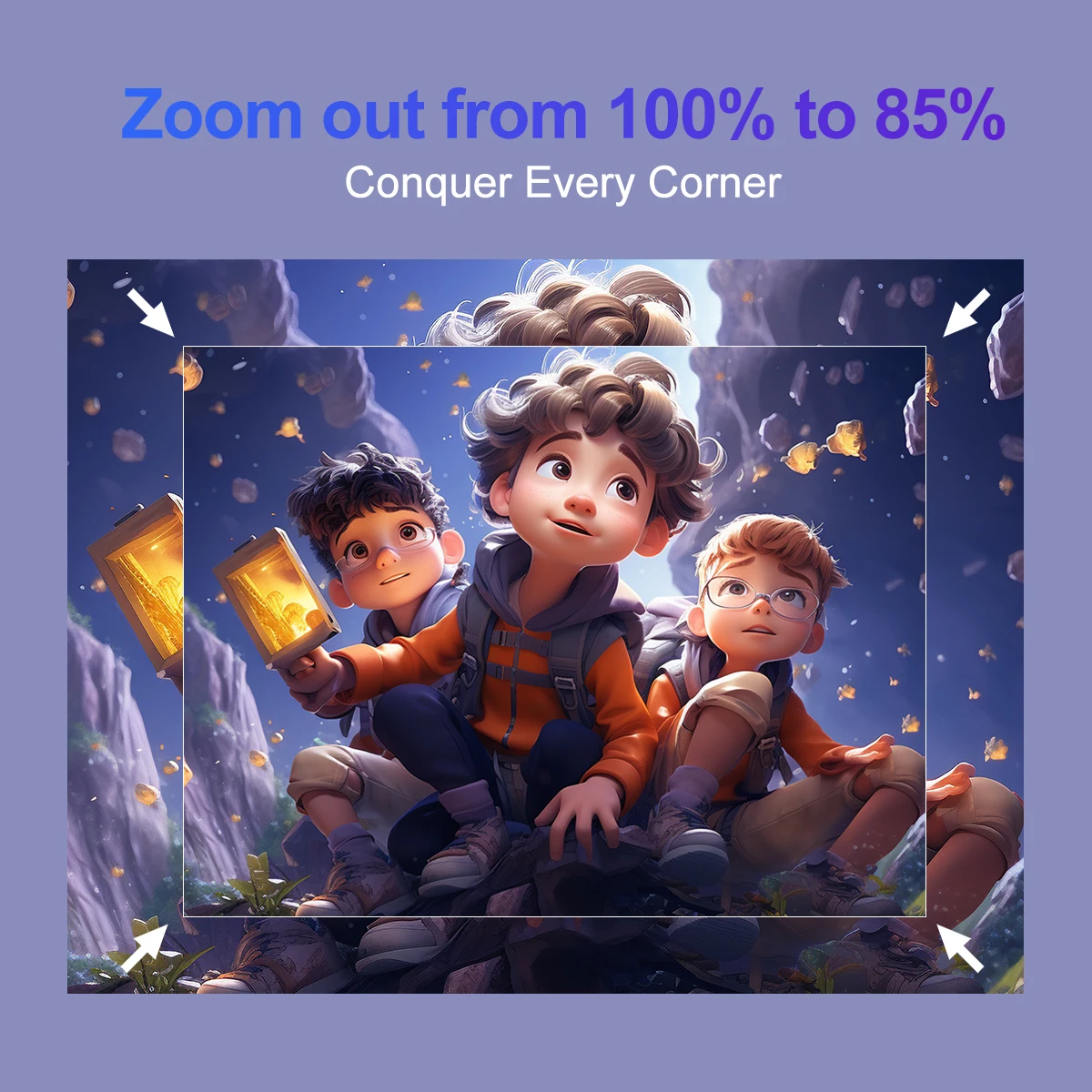
Sreen mirroring:Support Miracast ,Airplay ,DLNA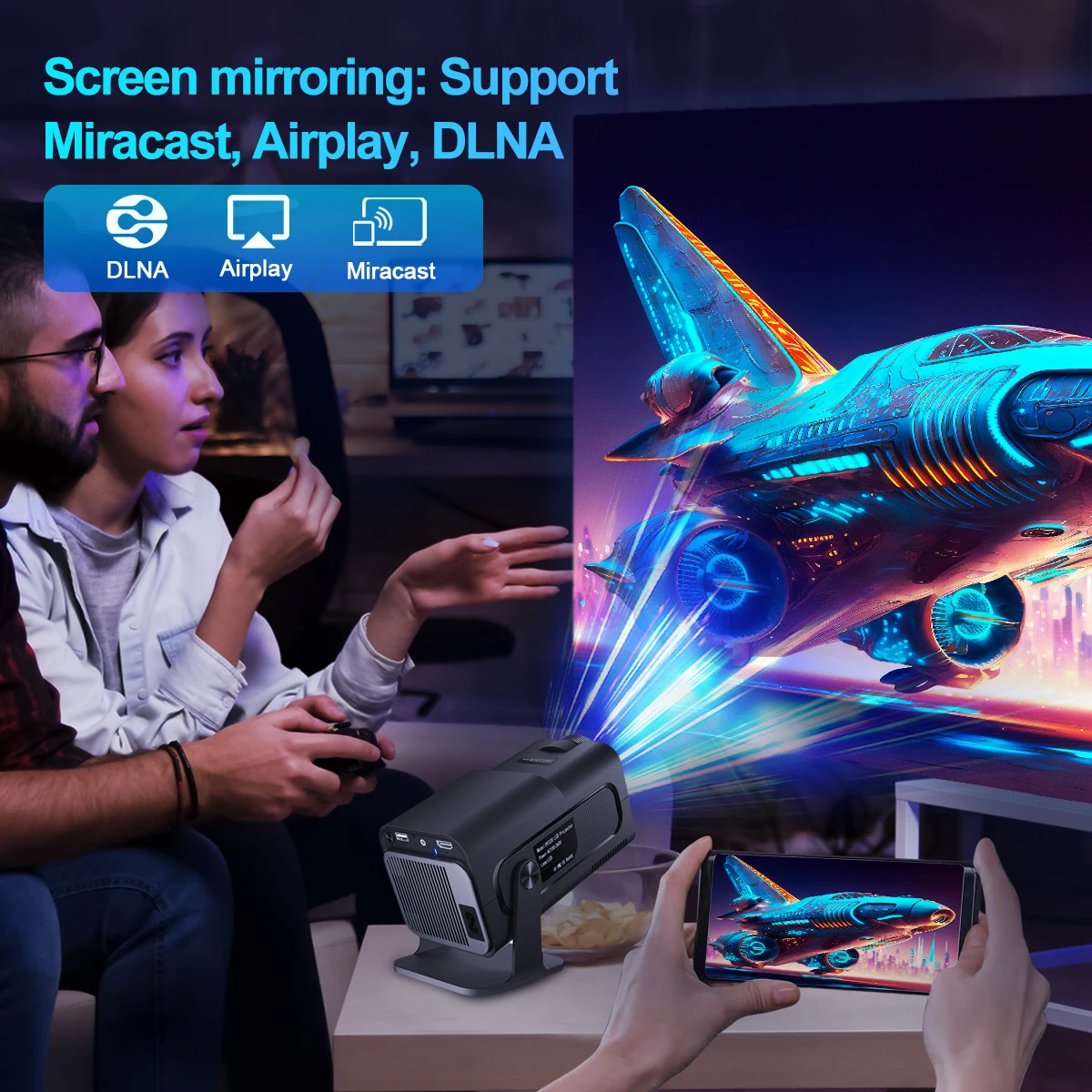
Android 11 System
App store projector is the combination of traitional projector and android 11 tv box operating system
Quad-core AEM Cortex-A53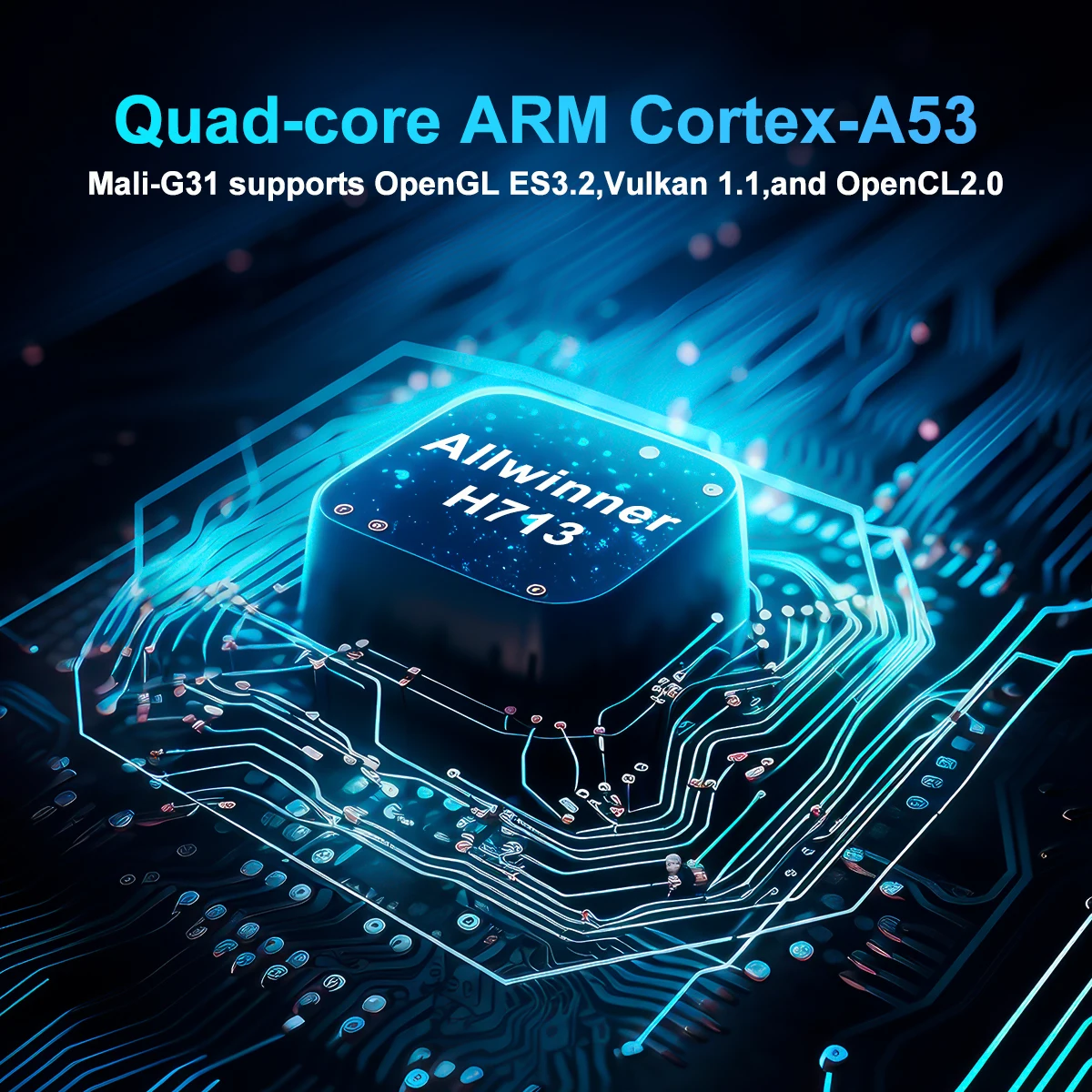
Meeting All Your Needs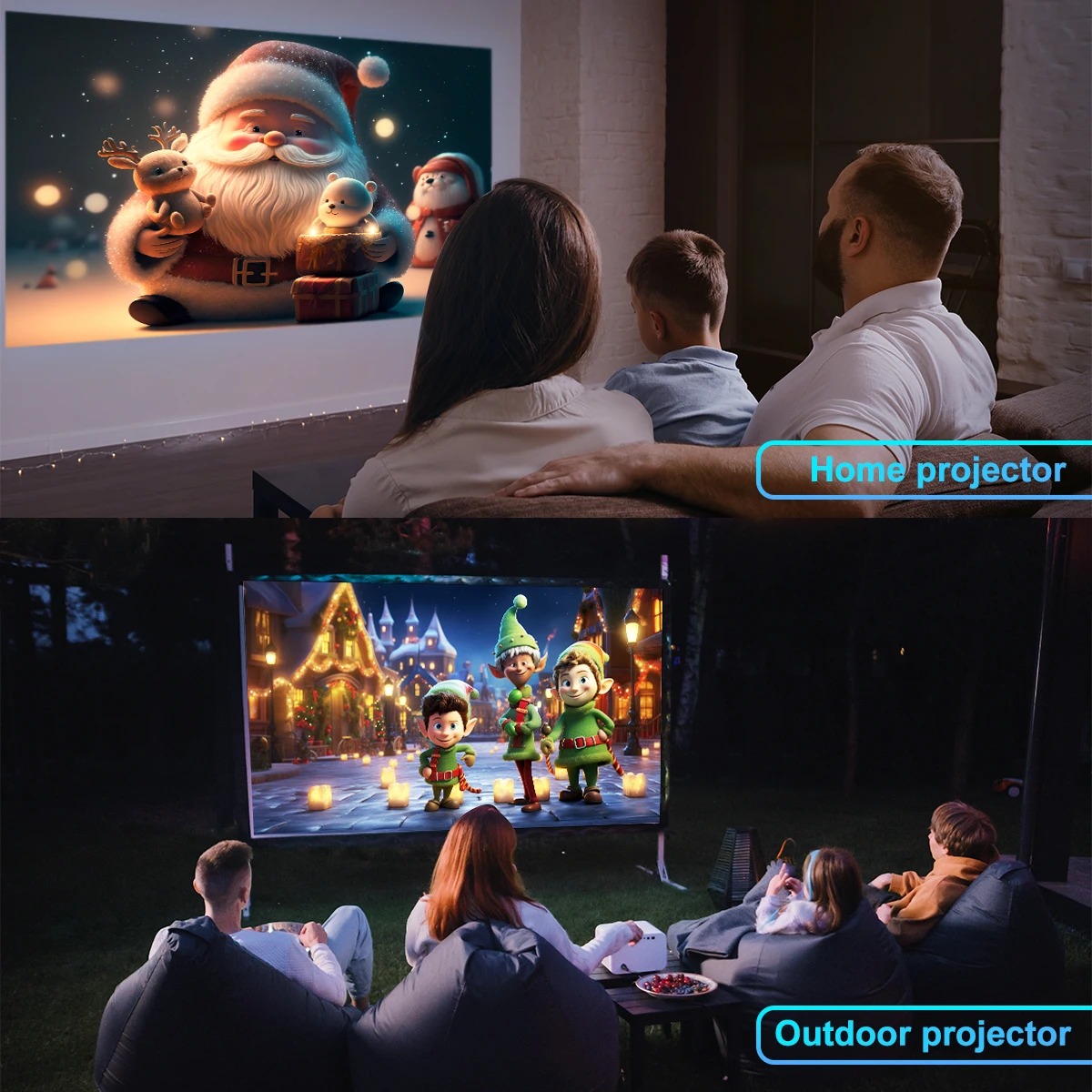
Mini Compact & Portable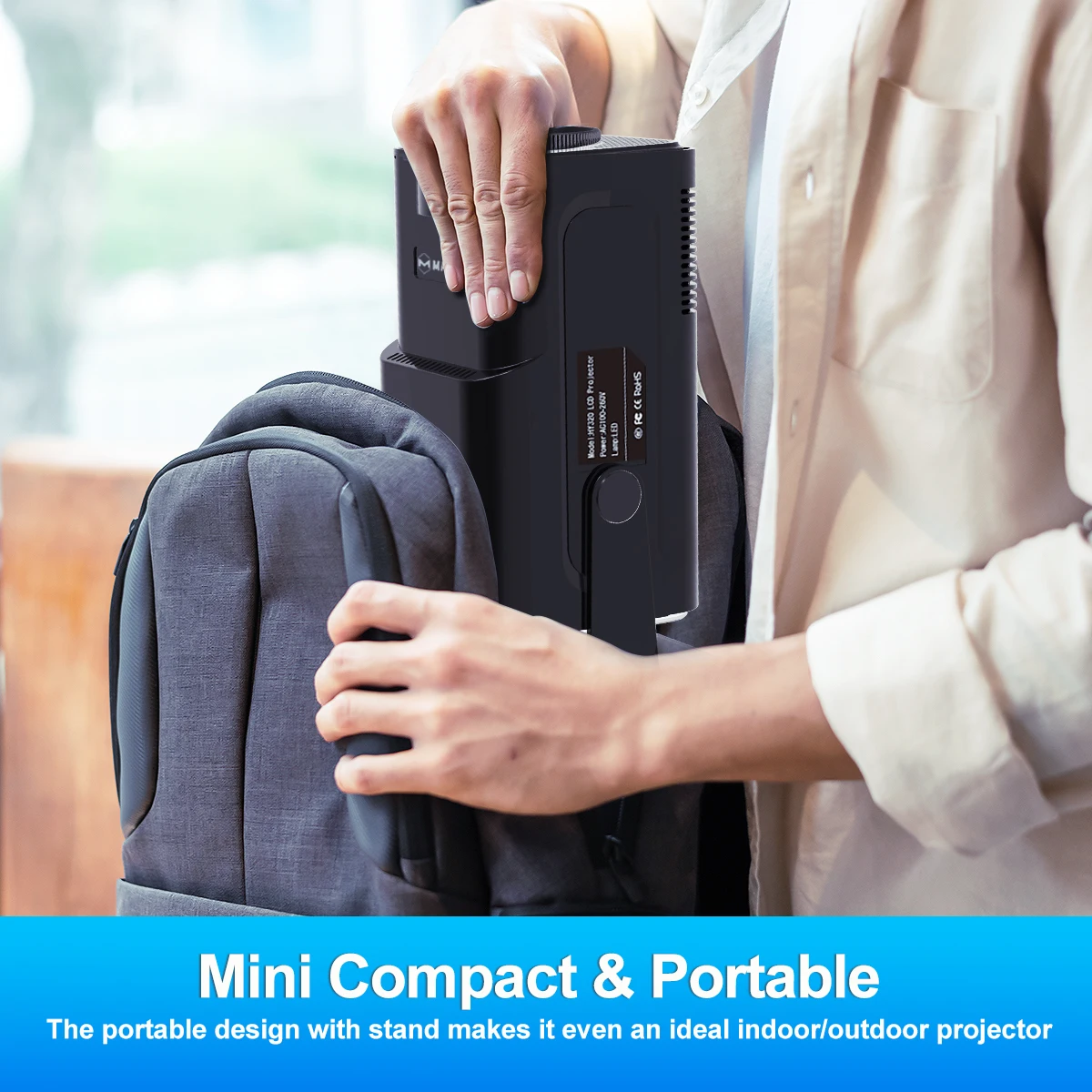
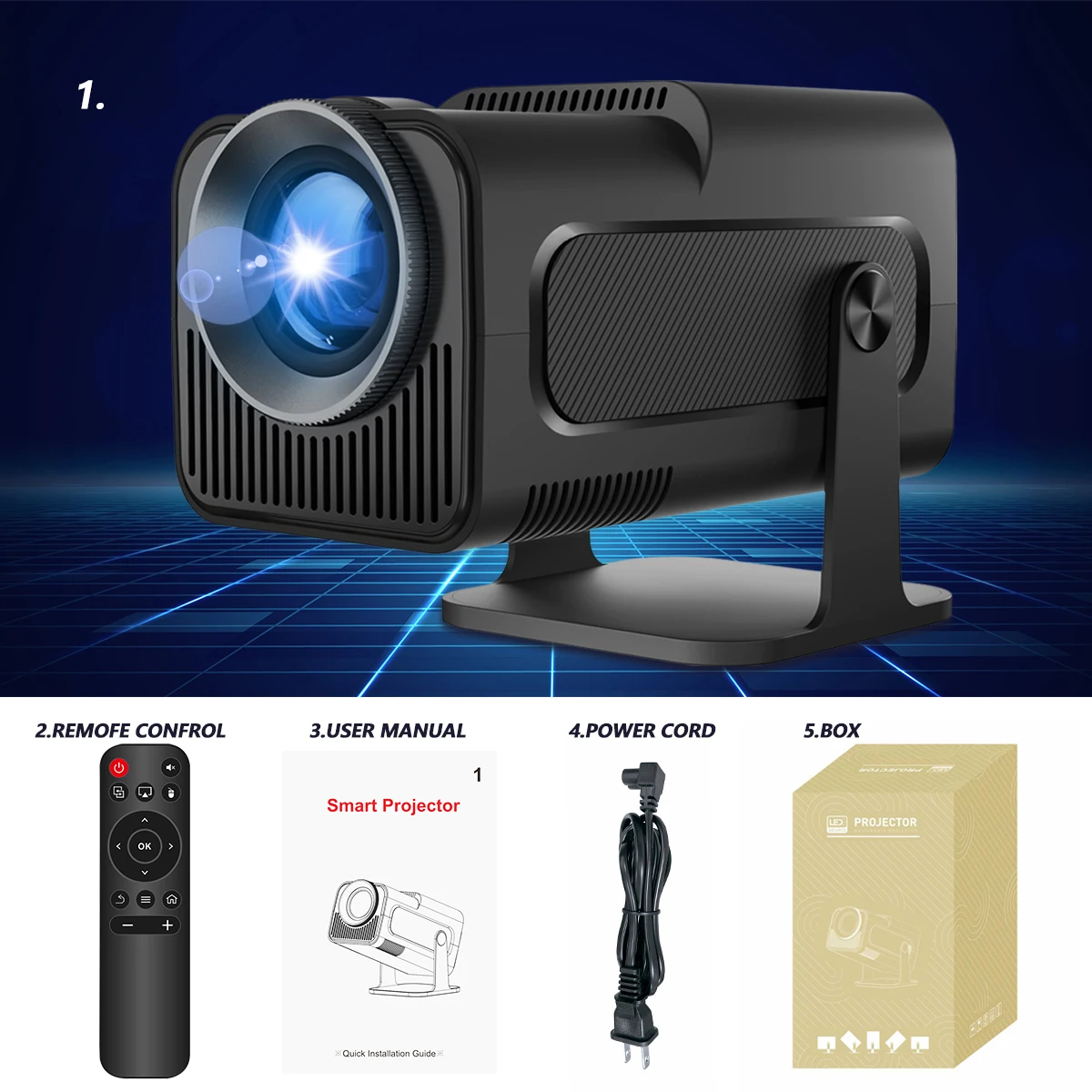
Interfaces & Package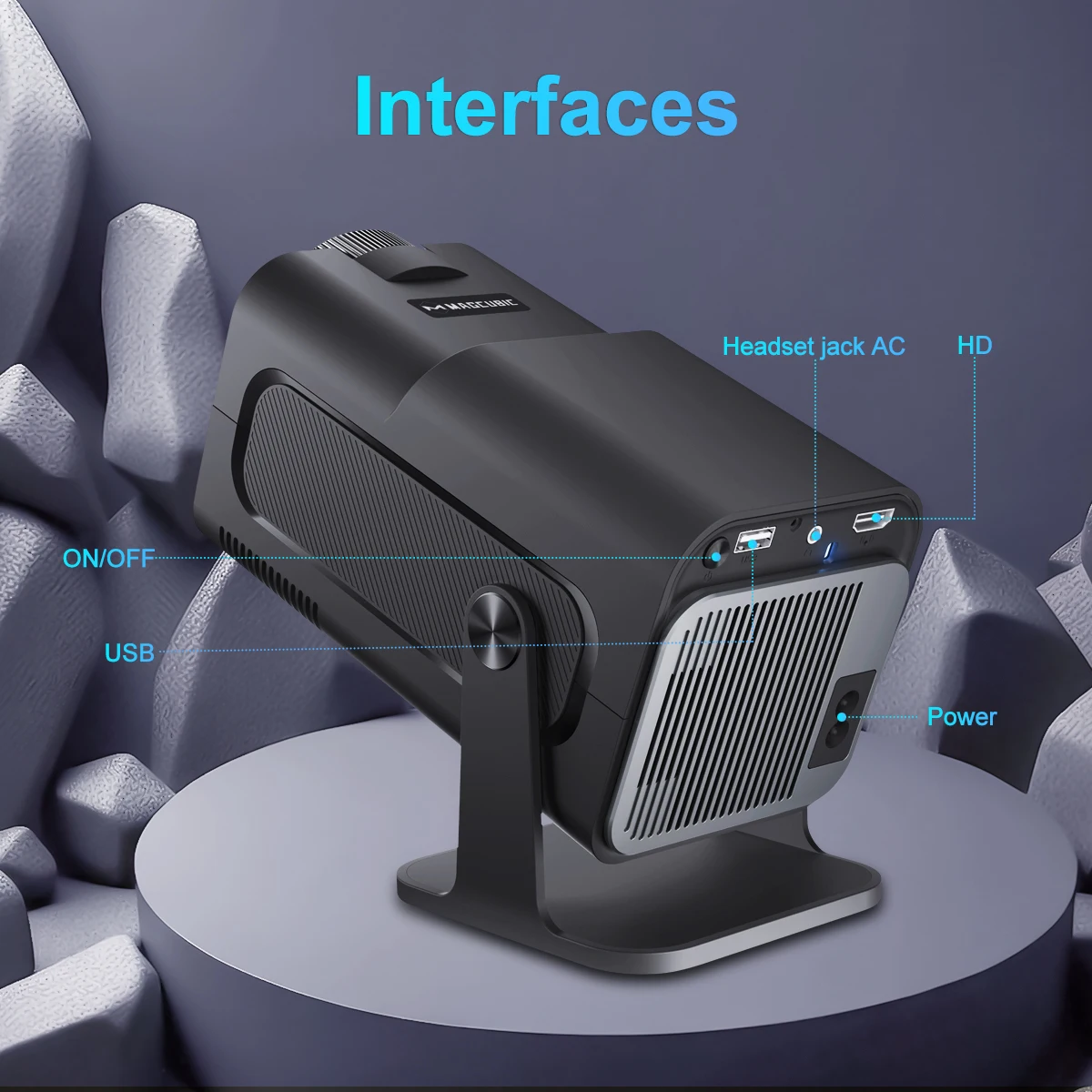
Question & Answer
Q1: How Do I Upgrade the Firmware of HY320?
A: Go to Settings > System information > About devices > Online upgrade
Q2: How Do I Factory Reset the HY320?
A: Go to Settings > Other Settings > Restore factory settings
Q3: How Do I Zoom In/Out?
A: Go to Settings > Projection settings > Digital scaling
Q4: How Do I Manually Adjust the Keystone?
A: Go to Settings > Projection settings > Manual trapezoidal
Q5: How Do I Get the System Version of the HY320?
A: Go to Settings > System information > About devices > UI version
Q6: How Do I Connect BT Device?
A: Go to Settings > Bluetooth > Available devices
Q7: How to I activate HY320's focus?
A: To get a clear picture, simply turn the focus wheel on the projector until the image is sharp
Q8: What Should I Do If My Projector Has No Sound?
A: Try the following steps to see if they help:
1. Adjust Volume: Press the Volume Up/Down button on the remote control to make sure the volume isn’t muted or too low.
2. Connect to a BT Speaker: Go to Settings > BT Settings > Available Devices to connect your projector to an external Bluetooth speaker.
3. Check Video Format: If the video format includes Dolby sound, try playing a standard audio format to test if the issue is format-related.
4. Factory Reset: Perform a factory reset by navigating to Settings > Other Settings > Factory Reset to restore default audio settings.
5. Inspect Speaker Connection: If your projector has a built-in speaker, disassemble the device (with the projector powered off) to check if the speaker cable is securely connected.
Note: Ensure the projector is turned off and unplugged while inspecting internal components to avoid any risk of injury.
Q9: What Should I Do If the Image is Tilted?
A: Try the following steps to see if they help:
1. Ensure the projector is properly aligned and that the lens is facing the screen directly.
2. Navigate to Settings > Projection settings > Keystone Correction > Initial angle correction.
3. If the above steps don't resolve the issue, manually adjust the keystone correction by going to Settings > Projection settings > Keystone Correction > Turn Off Auto Keystone Correction > Manual Down key stone correction
Q10: What Should I Do If My App Crashes?
A: 1. Try another Wi-Fi network and update the firmware. Go to Settings > About devices > Online upgrade
2. Check if your time zone is accurate via Settings > Date And Time Setting> Time Zone Selection
3. Clear data via Settings > My Apps > (App Name) > Clear Cache.
4. Reset the projector via Settings > Other Settings > Factory Reset Settings
Q11: What Should I Do if the HY320 Can't Connect to Wi-Fi?
A: Try the following steps to see if they help:
1. Place the projector and your router within 16 ft / 5 m of each other. Test if other devices can connect to Wi-Fi.
2. Check if your time zone is accurate via Settings > Date and time Setting
3. Try a different Wi-Fi network or connect to your phone's hotspot.
4. Try your router's 2.4GHz and 5GHz settings.
5. Reset the projector by going to Settings > Other Settings > Restore factory settings.
Q12: What Should I Do If My Projector is Unable to Power On?
A: Try the following steps to see if they help:
1. Check the Power Indicator: Ensure the power indicator light is on when the power cable is plugged in.
2. Try a Different Power Cable: Use another functional power cable to see if this resolves the issue.
3. Update the Firmware: If possible, update the projector to the latest firmware via USB drive.
Q13: What Should I Do If My Projector Doesn't Project?
A: 1. Power Indicator Blue, Light in Lens but No Picture: Check if the screen cable is loose and reconnect it. If this doesn’t resolve the issue, update the projector’s firmware to the latest version via USB drive.
2. Power Indicator Blue, Lens Dark, No Picture: Check if the lamp board is loose. Disconnect the lamp board cable, place a sponge over the connection point, and reconnect it. If this still doesn't work, consider replacing the lamp board.
3. Power Indicator Blue, Lens Only Projects Faint Blue Light: First, check if the fan is rotating. If it is, open the projector to check if the screen cable is loose, and reconnect it if necessary. If this does not resolve the issue, update the projector's firmware to the latest version via USB drive.
Q14: What Should I Do If My Projector Automatically Shuts Down?
A: 1. Check for High Temperature Warnings: See if there’s a prompt indicating the projector has shut down due to high temperature.
2. Check the Fan Operation:
Confirm whether the fan is running. If needed, open the projector and reconnect the fan cable.
- If the fan is working, update the projector to the latest firmware via USB drive.
- If the fan is not working, consider replacing it.
Q15: What Should I Do If the Projected Image Is Not Clear?
A: 1. Remove Protective Film or Clean the Lens: Peel off any protective film from the lens, or gently clean the lens with a soft cloth.
2. Adjust the Focus Wheel: Turn the focus wheel on the projector until the image appears sharp and clear.
3. Use in a Dark Environment: For the best viewing experience, use the projector in a dark room to enhance image clarity and brightness.
4. Optimize the Projection Distance: The ideal projection distance is 1.68 meters. For optimal clarity, place the projector at this recommended distance.
Q16: What Should I Do If the Projected Image Appears Burnt?
A: 1. Check Fan Operation: Confirm that the fan is working properly and that hot air is being discharged from the exhaust port. Ensure nothing is blocking the machine’s heat dissipation.
2. Re-plug or Replace the Fan: If the fan isn't working, you may need to disassemble the projector to re-plug the fan cable or replace the fan.
3. Inspect the Screen: If the above steps don't resolve the issue, the screen may be faulty and will likely need replacement.
Shipping information
- No EU import duties.
- Ships within 1-2 business days.
- Ships in our fully recyclable and biodegradable signature boxes.
Couldn't load pickup availability
-
Hurry, only 9 items left in stock!


Why Be Yours?
“Protect Your Skin And It Will Protect You Back”
– DR. BARBARA STURM
FAQs
Are your products organic / natural?
Our products combine the power of naturally occurring and advanced science ingredients that are simple to use, highly effective, non-toxic, non-irritating, and absolutely cruelty-free. We do not use aggressive, irritating ingredients. Beyond this, we do not like labels such as ‘organic,’ ‘natural’ or ‘clean,’ which have no consistent definition and tell you nothing about a product’s safety or efficacy. We are committed to bringing you the very best ingredient science and being certified “organic” does not always yield the best ingredient.
Do your products contain fragrance?
Generally not, but with limited exceptions. “Fragrance,” when used in our products like the ANTI-AGING BODY CREAM, is selected for its pleasant scent but also for its proven tolerability. Most fragrances contain allergic substances, or “allergens”: if present, it is compulsory to state this on the label, even if the percentage contained is minimal. Where possible, we tend to use fragrances which do not contain allergens and which should therefore give rise to fewer problems. When fragrance is present in a our product, is indicated in the list of ingredients as PARFUM or FRAGRANCE.
Is there talc in any of your products?
The minerals that are used to produce talc can contain asbestos, which is why there are legitimate concerns about its potential effect on our health. The talc used in our ENZYME CLEANSER, BABY BUM CREAM and tinted CLARIFYING SPOT TREATMENTS is NOT made of minerals that contain asbestos and thus is not carcinogenic and completely safe. The talc we use is periodically and consistently reviewed by independent laboratories.
What is the shelf life of my product?
All beauty products need to be used by a certain period. This is known as the 'period after opening' and can be easily identified by the PAO symbol. The symbol can be recognised as the shape of an opened jar, and will have a number inside; 9M will indicate 9 months, 12M is 12 months, and 36M is 36 months. Once opened the product should be used in this period, as after this time the quality of the product will deteriorate.
Express yourself with
#ImwithBeYours